

Invite a member
- Go to Settings > Members and select Add members.
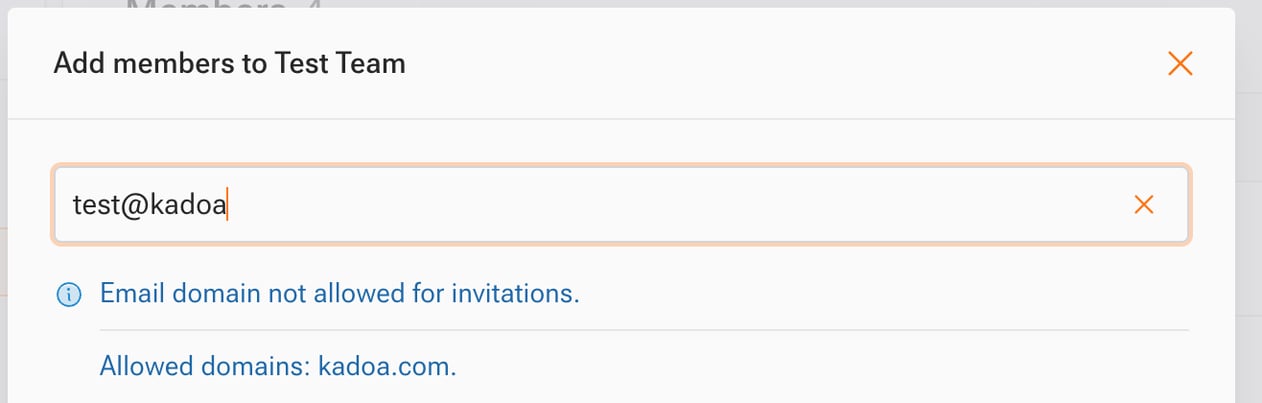
- Enter the person’s email address. You can only invite addresses on your team’s allowed email domains. To add a domain, contact your CSE.
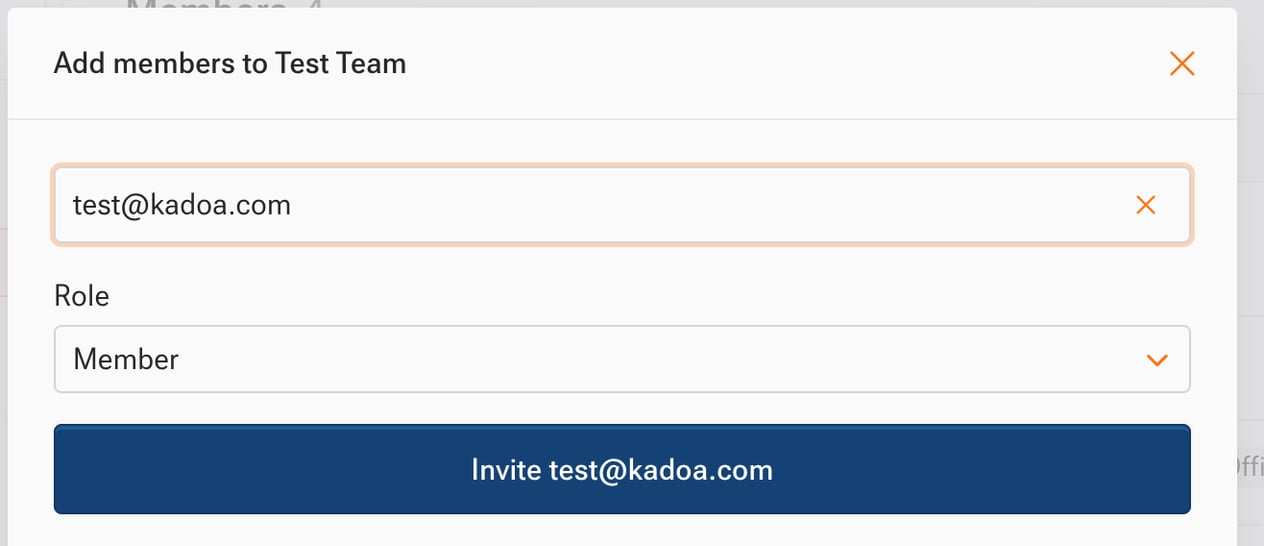
- Choose a Role, then select Invite.

Change a member’s role
- In Settings > Members, open the member’s menu and select Edit member.
- Choose the new Role and save.