

https://mcp.kadoa.com/mcp, then sign in with your Kadoa account. You need no API key. For what your AI tool can do once connected, see Connect your AI tool.
ChatGPT
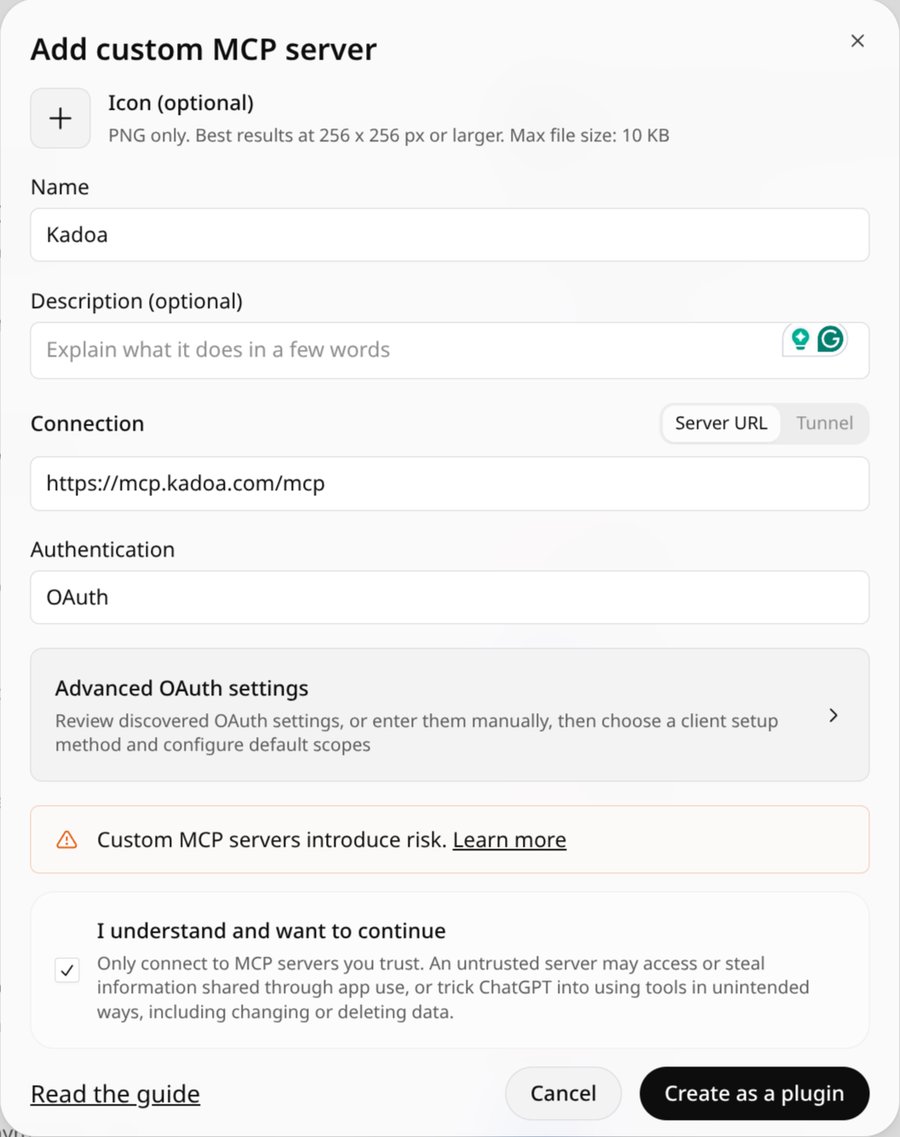
- Go to Plugins, click Add, and choose to add a custom MCP server
- Enter a name (for example
Kadoa) and the server URLhttps://mcp.kadoa.com/mcp, keep OAuth as the authentication, confirm the risk notice, and click Create as a plugin
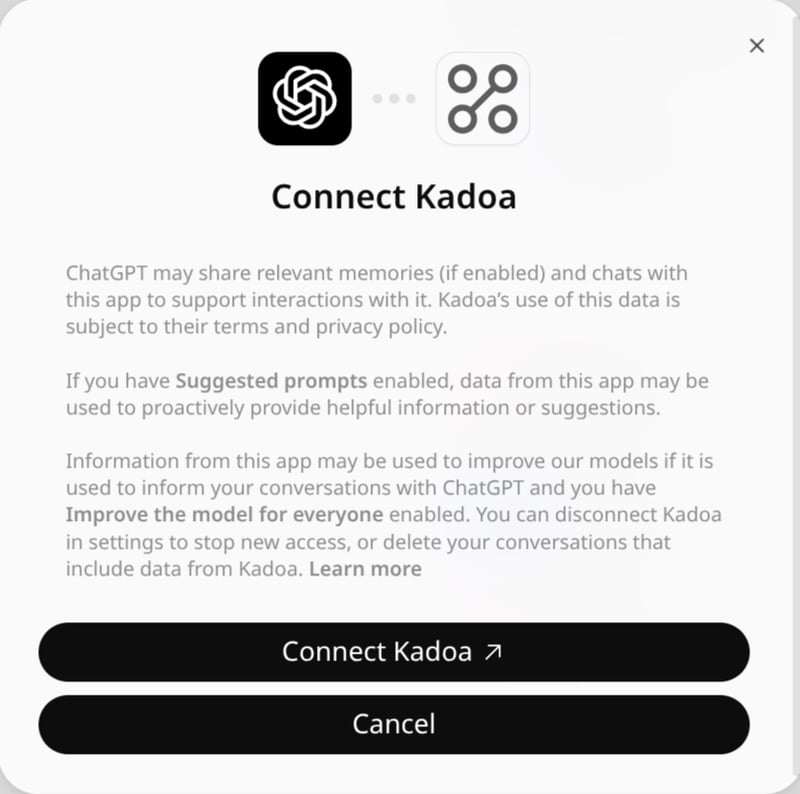
- Click Connect Kadoa and sign in with your Kadoa account
Codex

codex mcp list to confirm the server uses OAuth. To sign in again later, run codex mcp login kadoa. Codex sessions that are already open keep using the previous sign-in. Start a new session after codex mcp login kadoa, then run whoami to confirm the account and team.
