

WebSockets are Kadoa’s lowest-latency notification channel, but they should be treated as a best-effort realtime transport rather than an exactly-once delivery system. For critical workflows, make your event handling idempotent and use
event.id as a dedupe key.Setup
workflow_failed message fields: required workflowId, source, reason, action; optional workflowName, sourceUrl, url.
workflow_recovered message fields: required workflowId, workflowName, source; optional sourceUrl, url.
For API configuration, see the API reference.
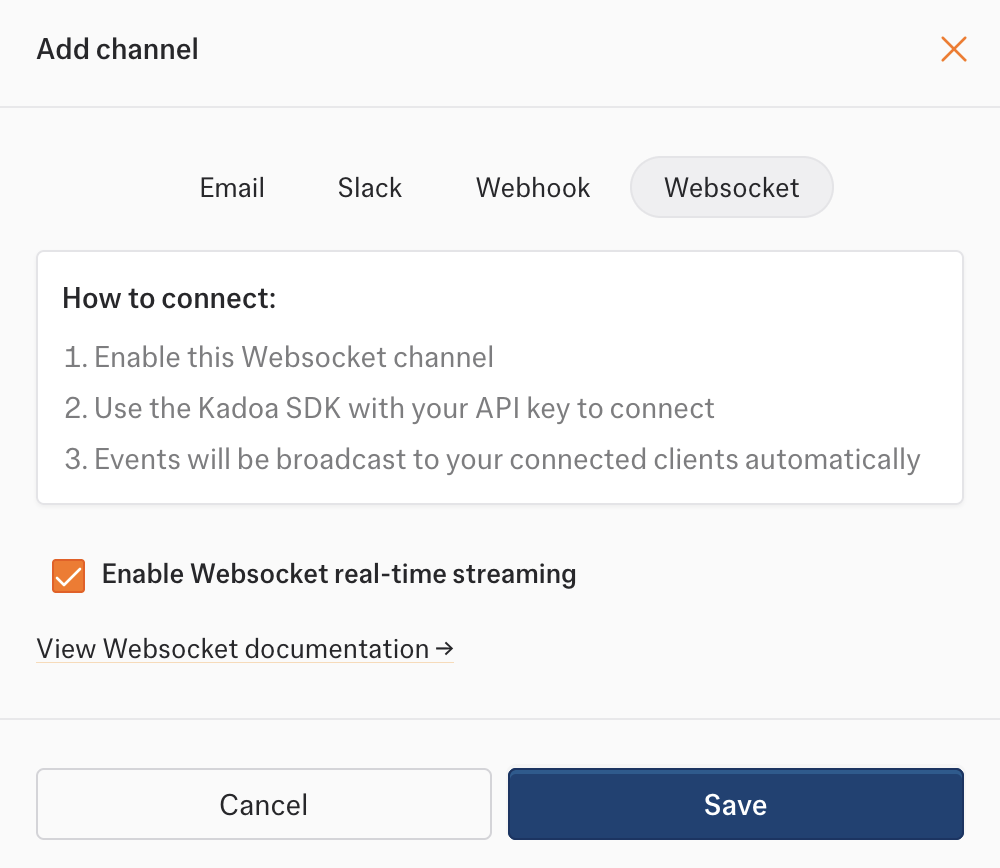
Dashboard Setup
- Go to Notifications in the sidebar
- Click Add Channel → WebSocket
- Select the Enable Websocket real-time streaming checkbox.
Reconnects and Redeploys
During an infrastructure drain or redeploy, Kadoa sends acontrol.draining message before closing the socket. This is an expected lifecycle event, not a workflow failure and not a permanent outage.
Clients should reconnect automatically when they receive control.draining:
- Detect
control.draining. - If it includes
retryAfterMs, wait roughly that long. Otherwise use a short reconnect delay. - Open a new WebSocket connection.
- Re-subscribe to your team channel after the new connection is open.
1001 and reason Server shutting down. Treat that close as the final shutdown of the old connection, not as a workflow error.
Reliability Notes
- WebSockets are optimized for low-latency notifications, not for guaranteed exactly-once delivery.
- A reconnecting client can still observe a brief gap during deploys, drains, or network interruptions.
- Custom clients can reduce that gap by persisting the latest event
_cursorand re-subscribing withlastCursor. - Even with overlap-aware reconnects, clients should treat
event.idas an idempotency key and dedupe repeated deliveries.
Advanced Custom Client Behavior
Kadoa may send an additive control-plane message before closing a socket:_cursor:
_cursor and re-subscribe with:
Python reconnect example