> ## Documentation Index
> Fetch the complete documentation index at: https://docs.kadoa.com/llms.txt
> Use this file to discover all available pages before exploring further.
# Overview
> What a workflow is and how to build one
A **workflow** is the core building block in Kadoa. It defines what data to extract, where to extract it from, and when to run, then delivers the results to your destination.
The fastest way to create one is the [Kadoa Assistant](/docs/ui/getting-started): describe what you want in plain language and it builds, tests, and schedules the workflow for you. You can also [build with code](/docs/sdk/workflows/create).
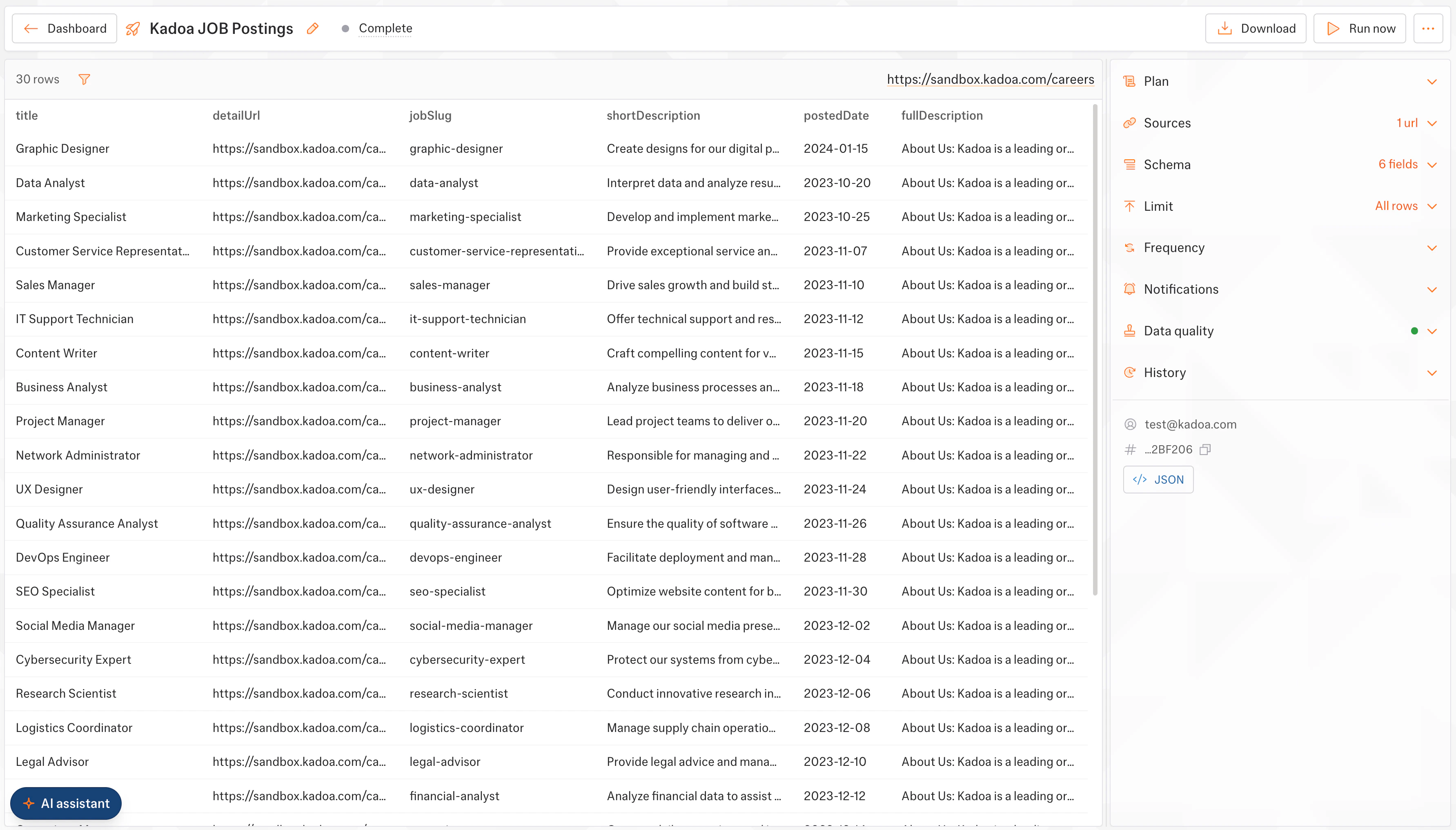 ## Explore workflows
Tell Kadoa what to extract and how to get there
Reusable values for your prompts
Define what data to extract
Workflow status and lifecycle
Reuse prompt, schema, and notification settings
Handle and debug workflow failures
## Explore workflows
Tell Kadoa what to extract and how to get there
Reusable values for your prompts
Define what data to extract
Workflow status and lifecycle
Reuse prompt, schema, and notification settings
Handle and debug workflow failures