> ## Documentation Index
> Fetch the complete documentation index at: https://docs.kadoa.com/llms.txt
> Use this file to discover all available pages before exploring further.
# Scheduling
Kadoa allows you to monitor websites for data changes and receive notifications when updates occur.
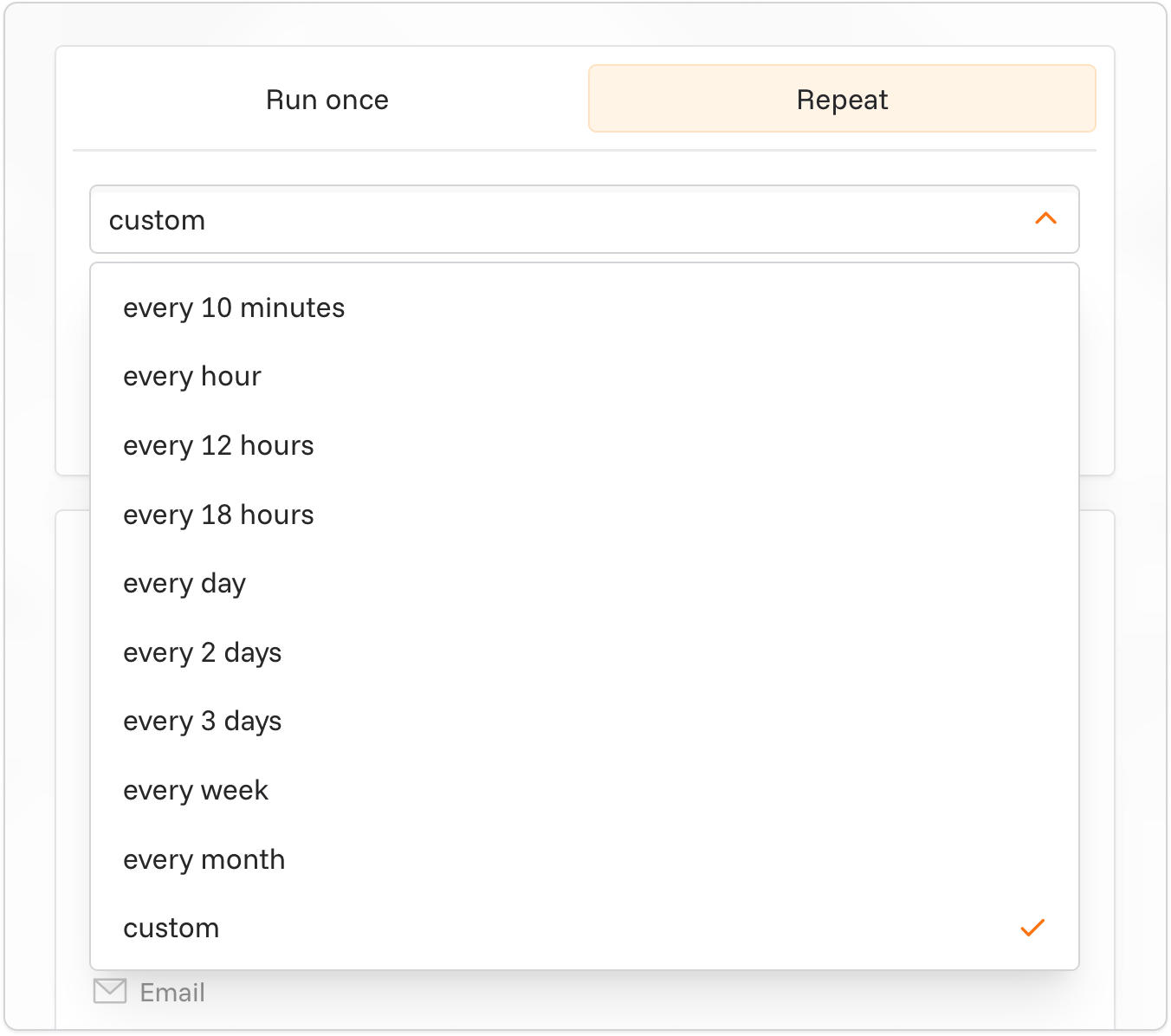 * When creating or editing workflow, click "Repeat" to set up regular updates.
* Choose an update frequency.
* Real-time monitoring is available on all plans.
To set up notifications:
* When creating or editing workflow, click "Repeat" to set up regular updates.
* Choose an update frequency.
* Real-time monitoring is available on all plans.
To set up notifications:
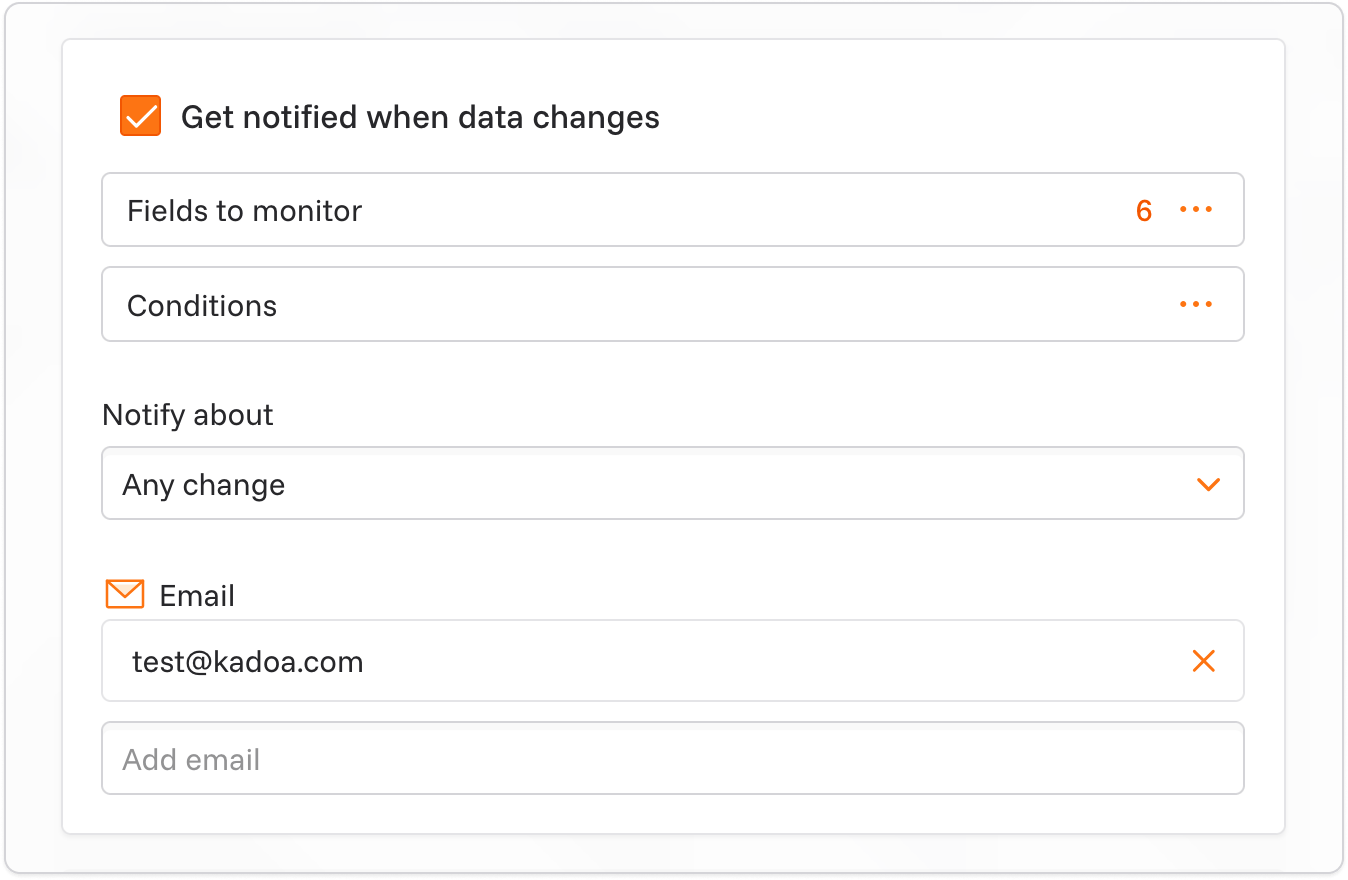 * click "Get notified when data changes".
* In the monitoring settings, select the fields you want to track for changes.
* Select about what type of changes you want to be notified. We support 3 types of changes:
* **All changes**: Receive notifications for all changes (additions, modifications, and removals).
* **Only added data**: Receive notifications only for new data. An object is considered new when it has less than 50% field matches with any existing object.
* **Only removed data**: Receive notifications only for removed data.
* Optional: You can add conditions to the monitoring. For example, you can only receive notifications if the data has changed in a specific field and contains a specific value.
* Choose your preferred notification channel (email, Slack, webhooks, and more).
### How Changes Are Detected
For detailed information about the change detection algorithm, matching methods, and examples, see [Change Detection](/docs/change-detection).
When Kadoa detects a change, you'll receive a notification on your configured channel and the change appears in the workflow's run history. See [Change Detection](/docs/change-detection) for how changes are detected, delivered, and retrieved.
* click "Get notified when data changes".
* In the monitoring settings, select the fields you want to track for changes.
* Select about what type of changes you want to be notified. We support 3 types of changes:
* **All changes**: Receive notifications for all changes (additions, modifications, and removals).
* **Only added data**: Receive notifications only for new data. An object is considered new when it has less than 50% field matches with any existing object.
* **Only removed data**: Receive notifications only for removed data.
* Optional: You can add conditions to the monitoring. For example, you can only receive notifications if the data has changed in a specific field and contains a specific value.
* Choose your preferred notification channel (email, Slack, webhooks, and more).
### How Changes Are Detected
For detailed information about the change detection algorithm, matching methods, and examples, see [Change Detection](/docs/change-detection).
When Kadoa detects a change, you'll receive a notification on your configured channel and the change appears in the workflow's run history. See [Change Detection](/docs/change-detection) for how changes are detected, delivered, and retrieved.